Best Tatkal Booking Tips for Maximum Success
Discover the secrets professionals use to increase their confirmation rates during peak hours.
Read ArticleExperience the power of the ultimate Tatkal Software. Enjoy lightning-fast processing, secure setup, and an intuitive interface designed for professional booking support.

Real screenshots and feedback from our active community of professional users.
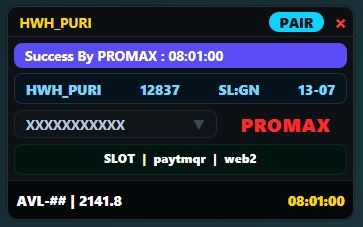
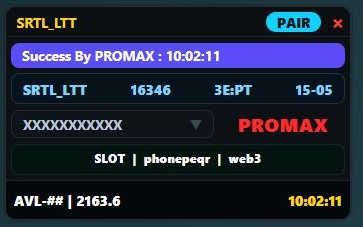
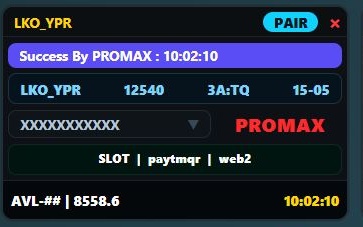
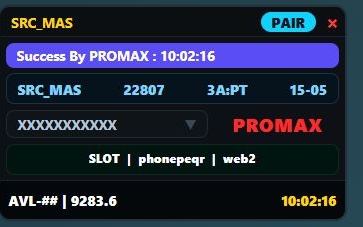
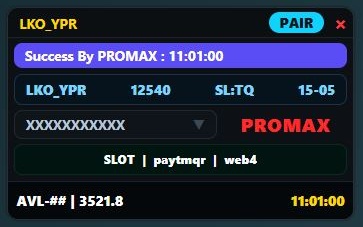
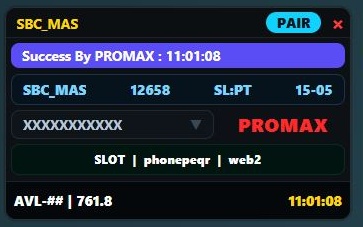
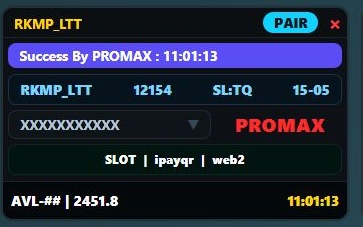
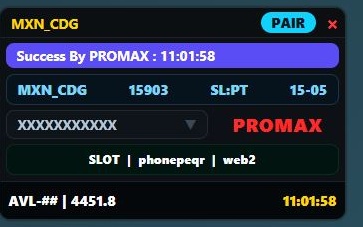
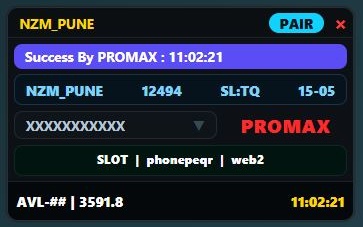
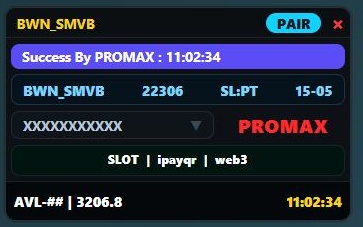
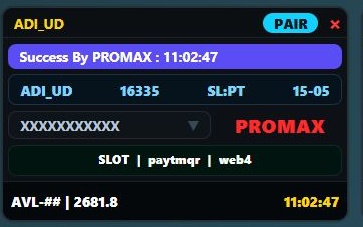
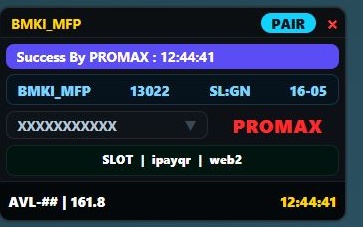
Our software is engineered with cutting-edge technology to give you the ultimate advantage.
Optimized coding ensures zero lag and lightning-fast execution when every second counts.
User-friendly installation process. Get up and running in minutes without technical skills.
Natively designed for Windows 10 and 11, ensuring maximum stability and performance.
We continuously monitor changes and push quick OTA updates to keep you ahead.
Advanced encryption protocols ensure your data and sessions remain completely secure.
Dedicated technical support team available via WhatsApp and Telegram to assist you.
Choose the right software solution tailored for your specific requirements.
Download Alexa Tatkal Software, Star TS Tatkal Software, or Gadar Tatkal Software — India's trusted IRCTC tatkal booking software for Windows agents.
Lightning-fast form fill with smart web login and QR auto-fill for agents who prioritize speed.
View detailsPremium routing and multi-browser support for professional agents during peak Tatkal windows.
View detailsBuilt for heavy IRCTC traffic — revolutionary response times when every millisecond matters.
View detailsAll tools support Windows 10 & 11 · Free monthly updates · Remote setup available
Looking for tatkal software download, IRCTC tatkal software, or the best tatkal software in India? Alexa offers fast automation and QR fill; Star TS delivers premium VPS routing for agencies; Gadar is built for peak-hour speed when IRCTC traffic is heaviest. Each page includes setup guides, FAQs, and official download links from ProMax Tatkal.
We provide end-to-end infrastructure support to ensure maximum efficiency.
Step-by-step instructions to master the software and avoid common mistakes.
Learn how to securely install the software, tweak your Windows settings for optimal performance, and maximize your booking success rate.
Watch on YouTubeGet the latest version of ProMax Tatkal and start optimizing your workflow.
Intel Core i3 or equivalent, 4GB RAM minimum, .NET Framework 4.8
Find quick answers to common queries regarding installation, support, and policies.
Simply download the setup file from our Download Center, extract the zip file, double-click to run the installer, and follow the on-screen instructions. For detailed visual steps, check our Tutorial section.
Yes, ProMax Tatkal is completely optimized and fully supported on both Windows 10 and Windows 11 (64-bit architecture recommended).
You can reach our technical support team 24/7 through our official Telegram channel, or by emailing support@promaxtatkal.com.
The latest stable release is always available in the Download Center section of this website. Ensure you only download from this official source to guarantee software integrity.
Due to the digital nature of our product, we operate a strict policy. However, if you face genuine technical issues that our support team cannot resolve via remote session, you may be eligible for a review. Please read our full Refund Policy page for details.
Automated downloads are instant. If you require remote setup assistance, our technicians are available from 9 AM to 11 PM IST. Remote setups usually take less than 15 minutes.
Stay updated with the latest strategies, optimization tips, and industry news.
Discover the secrets professionals use to increase their confirmation rates during peak hours.
Read ArticleA comprehensive guide to tweaking Windows Defender and firewall settings for smooth operation.
Read ArticleWhy server latency matters and how picking the right VPS location can lower ping times significantly.
Read ArticleWhen it comes to securing confirmed train tickets during peak hours, having a reliable Tatkal Software is crucial. The official portals often face heavy traffic, which is why professional travel agents rely on high-speed IRCTC Tatkal Software to automate the process. Our tool ensures lightning-fast PNR generation with an industry-leading success rate.
As the leading provider of the Best Tatkal Software solutions, we offer a range of powerful tools including ProMax Tatkal Software, Alexa Tatkal Software, Star TS Tatkal Software, and Gadar Tatkal Software. Each tool offers unparalleled security, auto IP-changing proxy support, and an intuitive interface designed for Windows 10 and 11. We continuously update our systems to bypass regional lags and provide a seamless booking experience.
Whether you choose the revolutionary speed of Gadar, the premium performance of Star TS, or the smart automation of Alexa, getting started is easy. For the latest features and OTA updates, proceed to our Tatkal Software Download section. Join thousands of successful agents today and never miss a crucial booking again.
Stay connected, get instant updates, and receive fast support by joining our official groups.
Get instant OTA updates, software news, and connect with other professional users.
Join NowGet fast support, remote setup links, and clear your doubts instantly with our team.
Join NowScan the QR code below to join our official support group